
📦 Wholesale Dropshipper User Guide
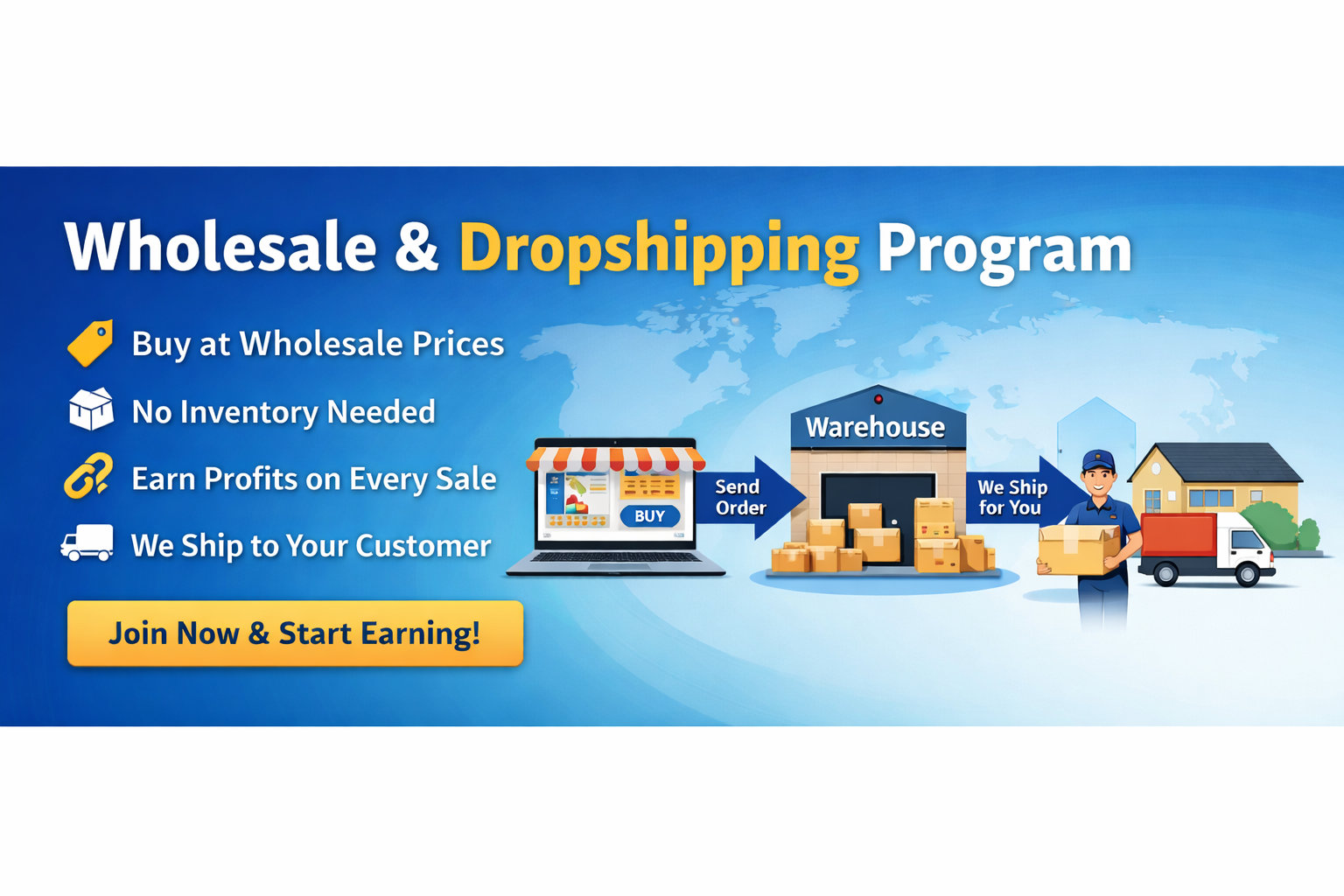
- Overview: What Is a Wholesale Dropshipper?
A Wholesale Dropshipper is a registered partner who:
- Buys products at wholesale pricing
- Does not hold inventory
- Sells products under their own brand/store
- Enters their customer’s shipping address at checkout
- We ship the order directly to their customer
- Account Registration (Wholesale Dropshipper)
Step 1: Go to Wholesale Registration Page
- Click on the top menu
- Or visit:
https://kalunhawan.com/wholesale-registration/
Step 2: Fill Out the Registration Form
Required fields must be filled out
⚠️ Wholesale accounts may require admin manual approval, you may contact the admin for faster transaction.
Step 3: Submit Registration
- Click Submit
- You will receive an email confirmation
- Our team will review and approve your wholesale status.
- Account Approval Process
After registration:
- Our admin reviews your application
- You may be asked to provide:
- Business name or online store
- Facebook page, Shopee, Lazada, TikTok Shop, or website etc.
- Once approved:
- Wholesale pricing is automatically activated
- You’ll receive an approval email
⏱ Approval time: 1-2 (business days)
- Login as a Wholesale Dropshipper
Step 1: Open Login Page or Customer Portal
- Click Login on the top menu
- Or visit:
https://kalunhawan.com/my-account-page/
Step 2: Enter Credentials
- Email Address
- Password
Step 3: Access Wholesale Dashboard
Once logged in, you can access:
- Wholesale product pricing
- Orders
- Addresses
- Payment Method
- Account details
- Viewing Wholesale Prices
- Wholesale prices are only visible when logged in
- Prices automatically update once your account is approved
- Retail customers cannot see wholesale prices
- How to Order as a Dropshipper
Step 1: Browse Products
- Go to Shop
- Select the product you want to sell
Step 2: Add to Cart
- Choose quantity
- Click Add to Cart
Step 3: Review Cart
- Confirm:
- Product
- Wholesale price
- Quantity
- Confirm:
Click Proceed to Checkout
- Entering Shipping Address
At Checkout:
Fill in:
- Customer Full Name
- Customer Mobile Number
- Complete Delivery Address
- City / Province
- ZIP Code
📌 We will ship directly to you once payment is verified.
- Billing Address (Your Information)
You may:
- Use your business address as billing address
- Or check “Same as Shipping Address” if allowed
Billing address is used for:
- Invoice
- Order records
- Accounting purposes
- Shipping & Packaging Policy
- Orders are shipped without pricing information
- No retail invoices included
- Neutral or brand-approved packaging
- Perfect for dropshipping and reselling
- Payment Options
Available payment methods may include:
- Paypal
- Debit/Credit Card
- Online Wallets (GCash, Maya, etc.)
- Other supported gateways
💡 Orders are processed after payment confirmation.
- Order Processing & Tracking
After Checkout:
- Order status appears in My Account → Orders
- Status updates:
- Pending Payment
- Processing
- Shipped
- Completed
- Tracking number (if applicable) will be provided
- Managing Multiple Customer Addresses
Dropshipper will manage their own multiple customer adresses
- Order History & Re-Ordering
- View all past orders in My Account → Orders
- Easily reorder the same products for new customers
- Dropshipper Responsibilities
As a wholesale dropshipper, you agree to:
- Handle customer marketing and sales
- Keep your customer shipping details
- Handle customer communication
- Follow pricing and branding guidelines
- Support & Assistance
If you need help:
- 📧 Email: kalunhawanph@gmail.com